in the ASL3 Manual, i would like to suggest moving a few subsections out of ASL3 Installation to the Basic Operation aka User Guide. specifically, Quick Config via ASL-Menu, Asterisk Console, and Node Configuration on the principle of installation ends after software is loaded and settings are all defaults.
the updated Basic Operation section would look something like this:
Basic Operation
Once you have installed ASL3 on your system you will want to configure your node and any radio interface you may have.
The ASL3 menu asl-menu will help you get started with many common configurations including nodes with USB audio interfaces, USB radio interfaces, and "hub" nodes. ASL3 menu will also help you maintain your ASL3 system.
SimpleUSB Configuration
If you are setting up a "hotspot" with ASL3 using available USB Dongles containing a SA818 radio module and a CM108 audio interface, it will simplify testing your ASL3 setup if you do the SA818 programming before configuring your node. The SA818 menu sa818-menu will help you get started with your external device.
Be sure to note which USB jack you chose when you intially set up your node. If you later plug the dongle into a different USB jack on your system, you will need to run asl-find-sound and edit simpleusb.conf to reflect the changed device address.
Also be sure to refer to the instructions provided by your USB Dongle vendor.
Node Configuration
If you haven't already, the next step is to configure your node settings. YouTube author Freddie Mac has a nice ASL3 installation and configuration video. Also see ASL3 Menu for details.
Quick Config Using ASL3 Menu
The node may now be configured. New users or those wanting a streamlined set-up experience should use the ASL3 menu utility with sudo asl-menu.
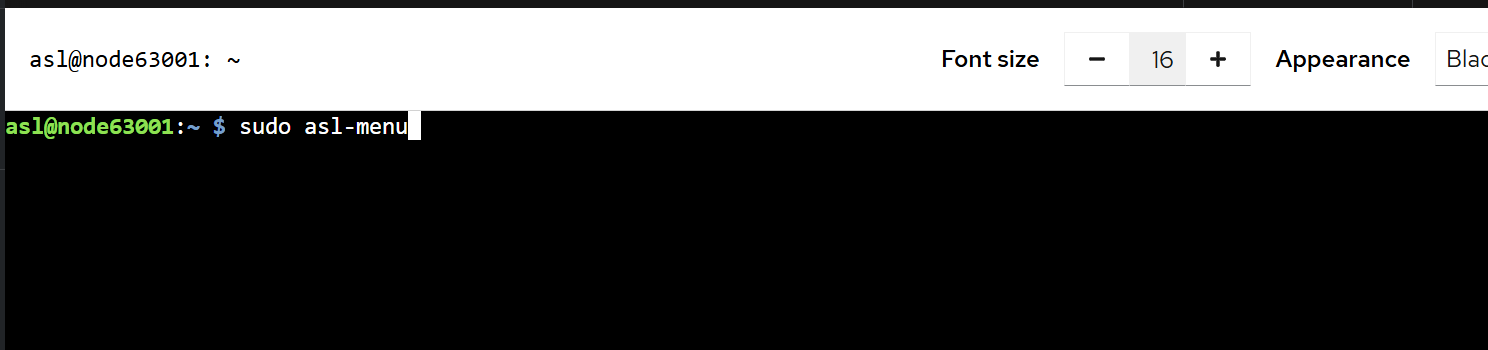
ASL3 Menu is navigable using menu index, keyboard arrow keys, tabs, and spacebar.
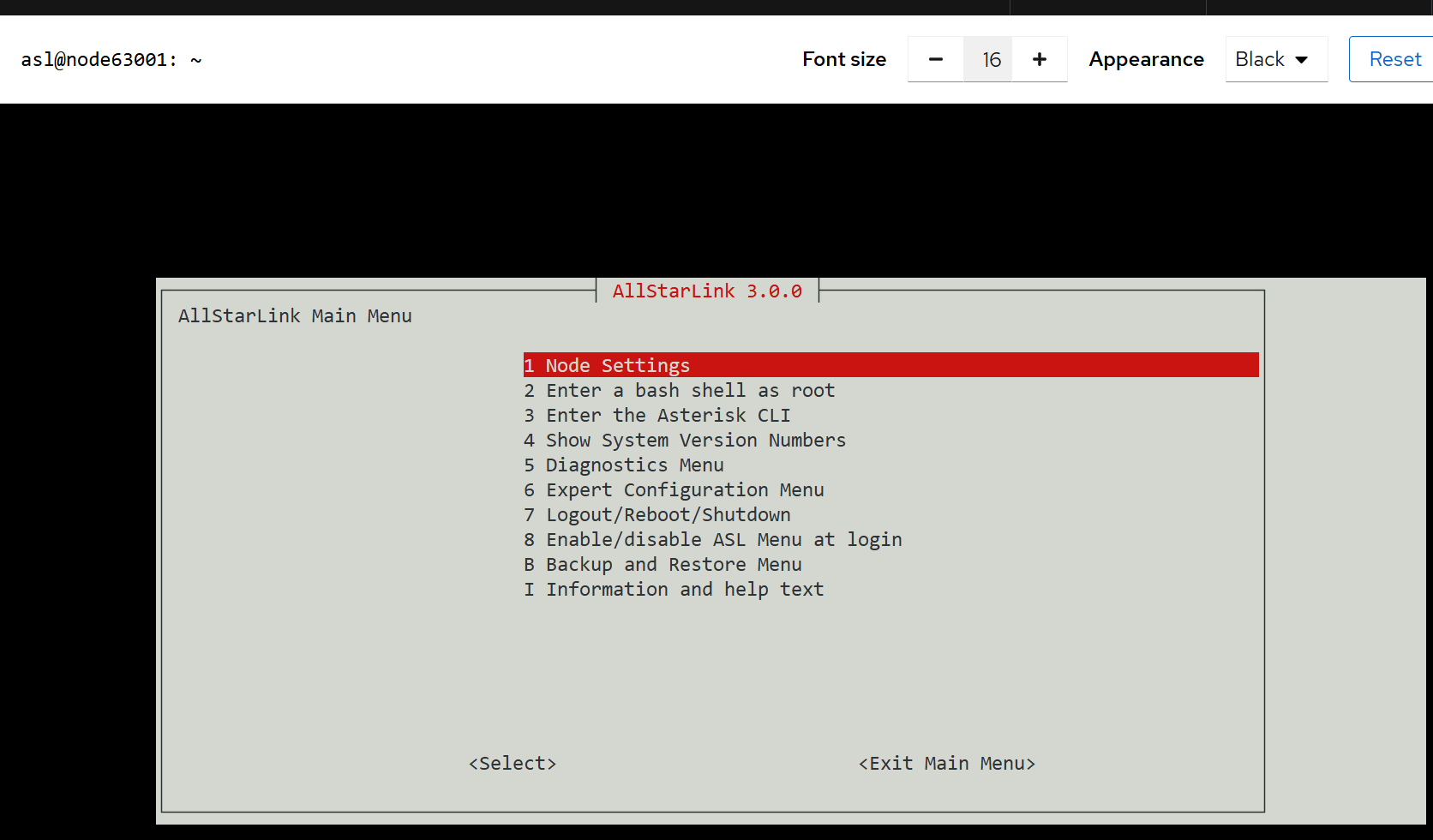
Proceed from here to Node Settings in order to configure your node number, choose the interface, and configure your audio or radio interface.
Asterisk Console
Your ASL3 node is built on Asterisk software. Once you have been able to confirm your configured node is functional, you may encounter issues or unexpected node behavior.
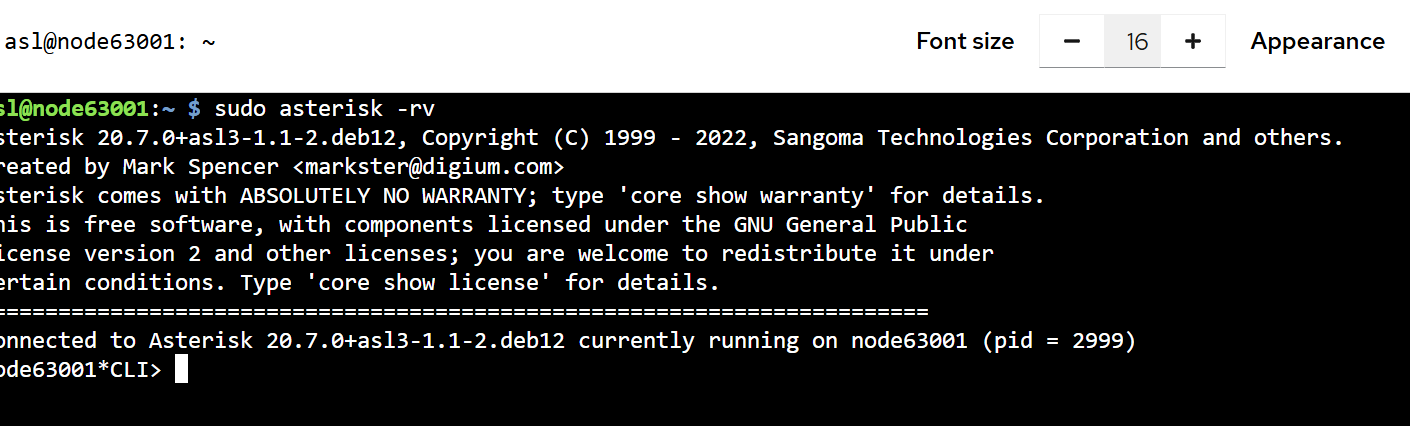
To monitor node actions or troubleshoot node functions, use the Asterisk console. To start the asterisk console from the Terminal window enter sudo asterisk -rv.
[markdown file is available but i am unable to upload it at present - forum restriction]
