When I try to set up my Node Number, I get a page that has a map in the lower right. the map flashes on for part of a second, then goes to the “oops” page. I’m unable getting a node number.
I’m assuming this is your first node you’ve tried to request; does this happen after creating your server?
Going back and looking, if we are indeed talking about your first node, I see node # 64434 on your account; It’s likely the node was created but the browser just got confused.
Bob
KK6RQ
I might suggest clearing your browsers cache for the site, and try again.
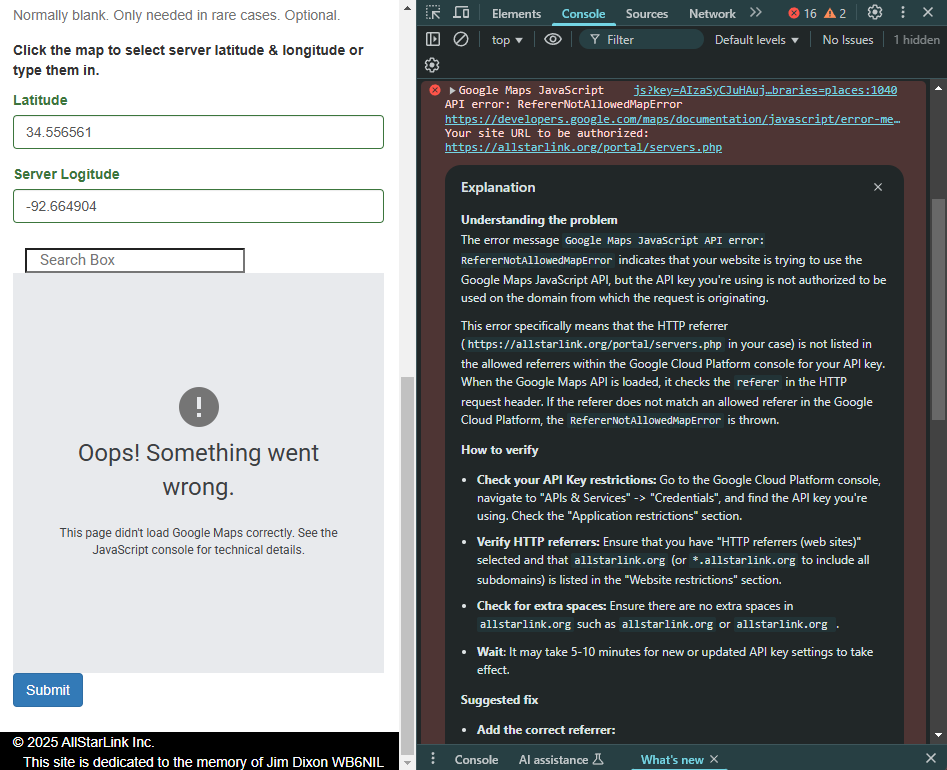
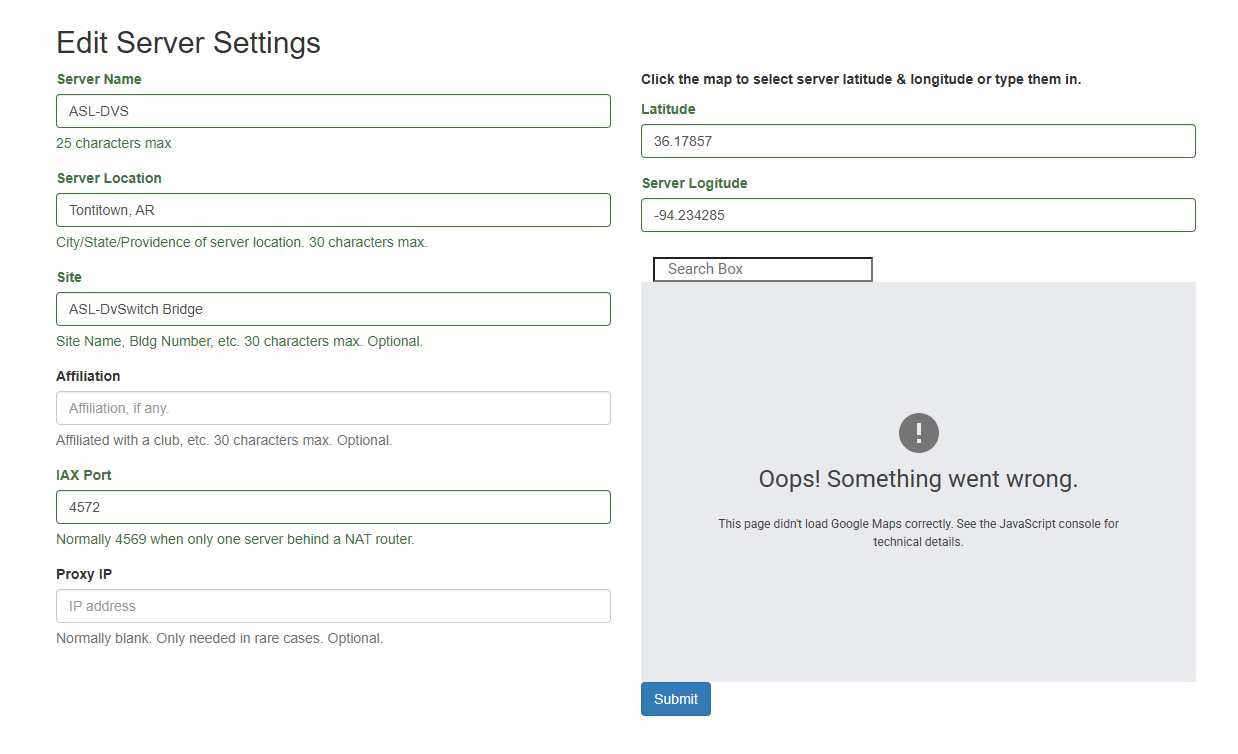
The embedded Google map in the server settings menu in the AllstarLink.org user portal does not work. Has been broken for a while.
2 Likes
There’s nothing wrong with the map in the Server Details page. Works fine for me in both Chrome and Firefox. I suspect people who have problems with it, which I hear of from time to time, have an adblocker blocker it.
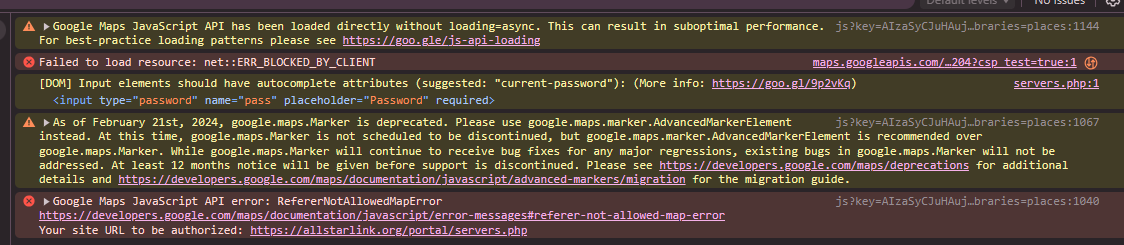
I have to argue against this. ASLs Google Maps API is not configured correctly and the issue needs to be addressed by the admin/development team.
I am the admin. What browser are you using and do you have any extensions loaded?
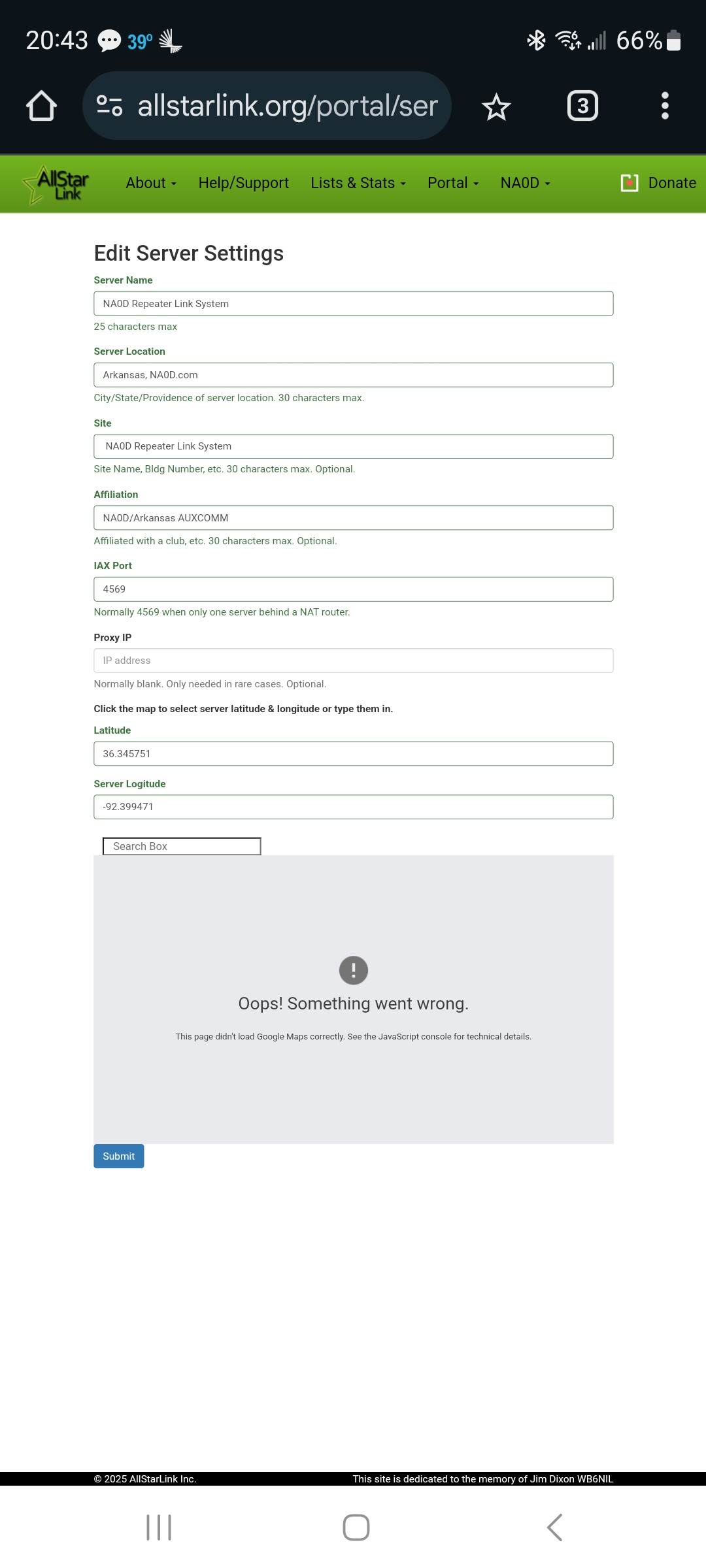
Chrome Desktop w/ no extensions, Edge Desktop w/ no extensions, Firefox Desktop w/ no extensions, Chrome Android, Firefox Android. Same error on all of them. No difference ISP vs LTE. No VPN or DNS conflicts either.
Interesting. I cannot replicate this on multiple browsers. I wonder if this a geographic or ISP divergence.
Tried a few scattered USA locations via ExpressVPN for kicks, none of them worked either. Certainly interesting that you can’t replicate it. I thought the API error was pretty cut and dry.
Are you logged in to Google in all those browsers?
1 Like
This is using an android phone/chromium. Also not showing location here. The actual map plops some things down here and there but from this view it errors out.
Ahhhh… I see… It’s a difference between using allstarlink.org and www.allstarlink.org.
2 Likes
Nice catch! That checks out from my end. Prefixing with www. loads the map fine on all browsers.
1 Like
Added to the TODO list…
4 Likes
OP here. BLAMMO! Prepending the URL with www did it. I never woulda got that. I had solved the problem temporarily by opening the URL on my android.
I really appreciate your attention to this matter! Cheers, and forward!
Best 73,
Jonathan W0XO
1 Like
This should be fixed now.
1 Like
This topic was automatically closed 3 days after the last reply. New replies are no longer allowed.