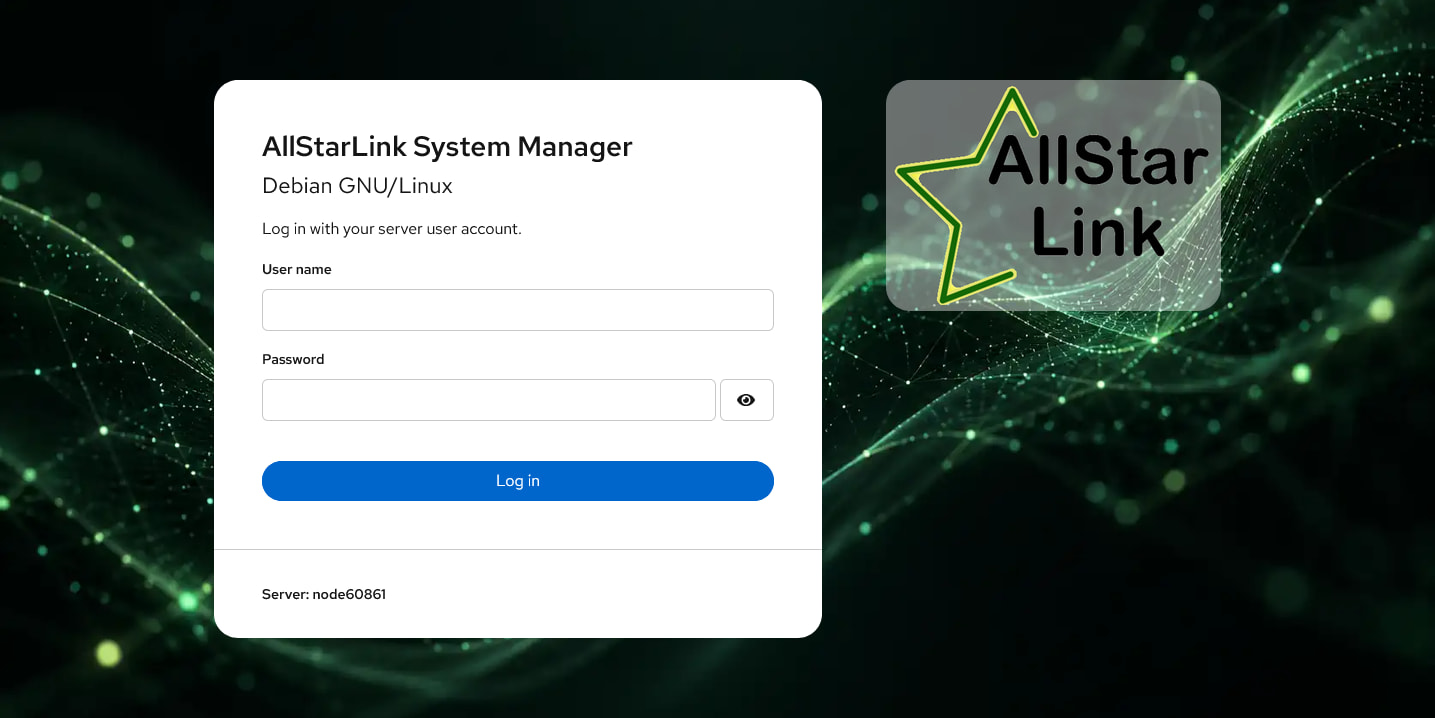
I updated two identical Trixie nodes on Oct 17 and Oct 27. One has the old pea soup splash screen and the other has this new Star Galaxy splash screen. Why are they not the same?
Roger
WA1NVC
Are both on the "devel" package stream? That splash screen should only be available in the "devel" repo currently.
How would I know if I'm on the "devel" repo?
Is this a node setting on the ASL page or something I do on the node itself?
I did notice that the number of updates installed on 10/27 was different: 32 vs 12. I thought that was strange since both had been updated at the same time on 10/17.
Roger
WA1NVC
Just run asl-repo-switch. If you're on devel it'll look like:
# asl-repo-switch
trixie: main beta devel
Yes, I get:
repeater@node60861:~ $ sudo asl-repo-switch
trixie: main beta devel
How did I get into this state?
Can I undo this or should I just re-image and restore from backup?
(fast solution?)
This node was about to go to a site that only gets visited about once a
year.
Roger
WA1NVC
On 10/28/2026 10:57 AM, N8EI wrote:
Someone replied to your post.
[N8EI] N8EI https://community.allstarlink.org/u/n8ei ASL Community Admin
October 28Just run |asl-repo-switch|. If you're on devel it'll look like:
asl-repo-switch trixie: main beta devel |
Visit Topic <https://community.allstarlink.org/t/trixie-cockpit-splash-
screen/25128/4> or reply to this email to respond.To unsubscribe from these emails, click here <https://
community.allstarlink.org/email/
unsubscribe/4e4f3b01eef58cdb64ab78c55c29fc5574d2bfdb69d4d5bae6df0aab9aa528b2>.
At some time, you must have exec'd :
sudo asl-repo-switch -l beta
To switch back to the main/production package stream, use :
sudo asl-repo-switch -l main
sudo apt update
For more info, check out ASL Manual / Beta Testing
I tried the following found by a internet search from the ASL manual;
BUT... ASL3 and ASL3 PI-APPLIANCE failed.
sudo apt install -y --reinstall asl3 asl3-asterisk asl3-asterisk-config \
asl3-asterisk-modules asl3-menu asl3-update-nodelist
asl3-appliance-pi allmon3
Reinstallation of asl3 is not possible, it cannot be downloaded.
Reinstallation of asl3-appliance-pi is not possible, it cannot be
downloaded.
Looks like rebuild from scratch.
I noticed that this happened to another pi-appliance user also.
Roger
WA1NVC
On 10/28/2026 10:57 AM, N8EI wrote:
Someone replied to your post.
[N8EI] N8EI https://community.allstarlink.org/u/n8ei ASL Community Admin
October 28Just run |asl-repo-switch|. If you're on devel it'll look like:
asl-repo-switch trixie: main beta devel |
Visit Topic <https://community.allstarlink.org/t/trixie-cockpit-splash-
screen/25128/4> or reply to this email to respond.To unsubscribe from these emails, click here <https://
community.allstarlink.org/email/
unsubscribe/4e4f3b01eef58cdb64ab78c55c29fc5574d2bfdb69d4d5bae6df0aab9aa528b2>.
There's no reason to rebuild. What I would suggest you do is leave the system on devel. There's nothing broken with the devel packages - the are stable and they're going to be moved into beta by the weekend. Once they're moved to beta and you see the announcement, move your system to beta using asl-repo-switch -l beta && apt update. Just let it roll for a few days.
In fact, you'll like the new UI if you browse to /asl-web-ui/ on your system 
Jason