Recently my home WiFI router died in which I had to replace. My TVs, PCs, and my two ASL nodes (RF and Radioless Node) all worked flawlessly on the old router. The new router that Spectrum provided me is the new band-switching type and I certainly see a significant decrease in overall performance, especially with my two nodes, which experience frequent glitches and drop outs. Some of the drop outs are 3 to 5 seconds. This is ridiculous! Are there any settings in the nodes or my router I can change to help this issue? I have set up both of my nodes with reserved IP addresses, and with different forwarded ports (4569 and 4570)...just an FYI.
You should describe the model in question (ISPs have an ever-changing shedload of router and router/modem combo models they use, so it would help to tell us what model # it is) but frankly, if it were me, I'd put the thing in bridge mode and get my own router, or ditch it entirely and add my own cable modem.
Spectrum WiFI 7 is the router.
What do you mean by a "band switching type"? All WiFi routers operate on multiple frequency ranges. It could be that your router is on a congested frequency with neighbors, etc. It could have picked something with interference. You may want to make sure it didn't auto-select one of the 5 GHz DFS frequencies and the signal is now too low-powered to work. There's a ton of possibilities, unfortunately.
The router will auto-change the frequency, for example, from 2.4 to 5 Ghz, or 5 Ghz to 2.4.
This is common with many ISP-supplied routers. The SSID is broadcast on both 2.4 and 5 gHz, and the router uses what is known as band steering to drive clients to 2.4 or 5 gHz depending on certain conditions.
Good routers let you selectively enable band steering per network, or add multiple SSIDs and VLANs. Spectrum's equipment doesn't fall into that category.
It's not auto-changing, it's likely the router is a "dumb" type that doesnt do band steering. Are you able to set SSIDs on the separate radios? For example, you can set "MyWiFi2" on the 2.4 Ghz radio and "MyWiFi5" on the 5 GHz radio. Then join your devices to whichever works best.
ISP-provided equipment is... cheap.
I'm unable to do what you described.
I believe my network performance issue may be more of a signal strength issue. I brought my radioless node downstairs and close to my router and the performance was perfect with no dropouts for the 60 minutes I was monitoring numerous nodes. Below is a video clip.
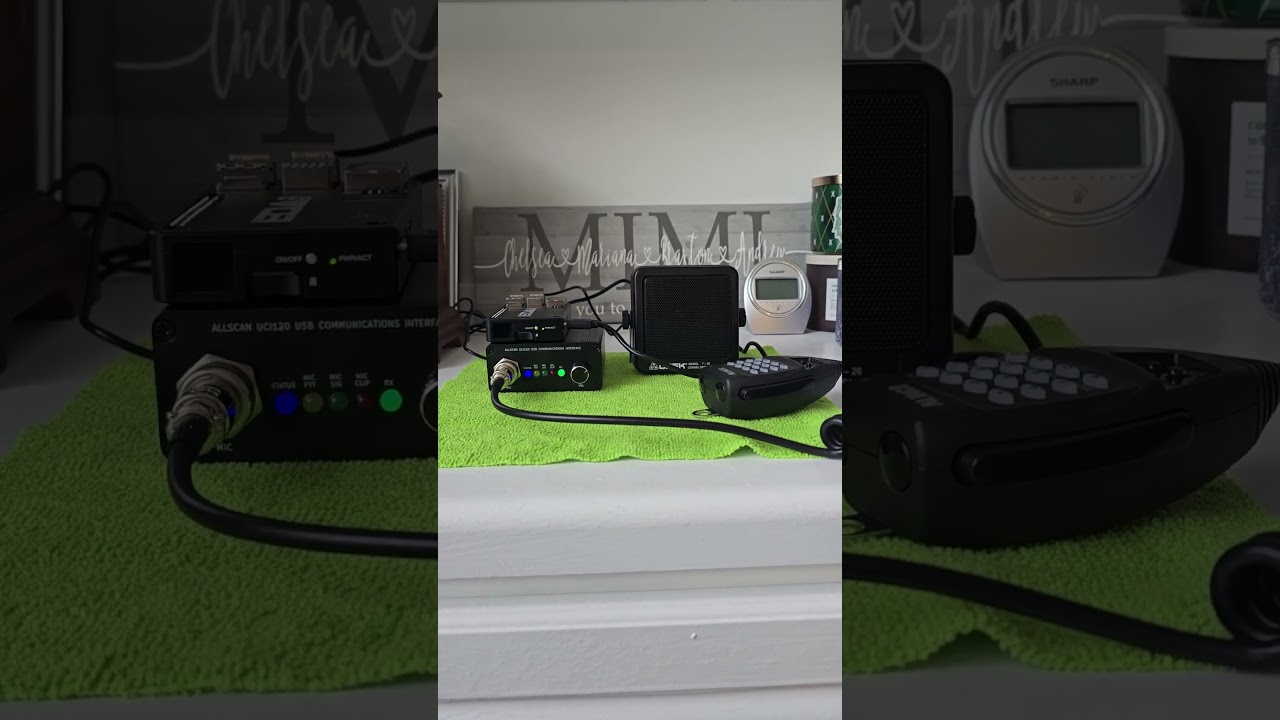
The wifi signal strength was 95 - 99% into my node downstairs. Though when my node is upstairs in my shack, the signal strength is 50 - 65%. Also, apparently my router does do band steering. I noticed that when my node is upstairs in my shack, it is connected at 2.4 GHz and downstairs close to my router, it is connected at 5 Ghz.