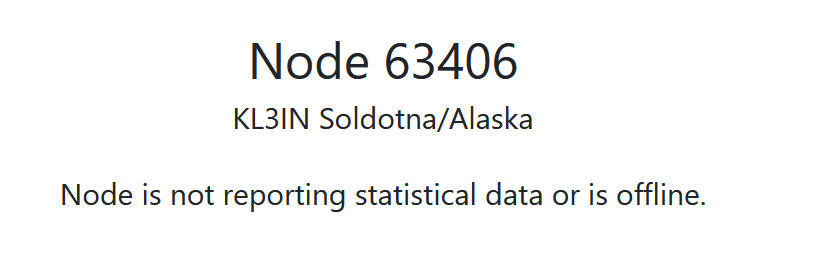
On the AllStar link webpage when you go to my node you see
Node 63406
KL3IN Soldotna/Alaska
Node is not reporting statistical data or is offline.
This has been happening for the last few days, I have rebooted the node several time, checked the ClearNode app settings and that is turned on, contacted the AllStar Link webpage support and they suggested the I post it here.
I checked that the node is online and is working to connect to other nodes.
So not knowing much about the ClearNode I did a little googling. Are you using an app to program the clear node or some other way? If its the app make sure that in AllStar Identity section – Node Number and Node Password are set correctly. Also look into your server settings in the Portal on the Allstar link website. Make sure that the IAX ports match. You said that Report stats to AllStar is already turned on. The picture below is what I see. Also make sure the port is open on the router. If the port is not open it can/will block data from passing. Check all those and let us know.