Hello everyone,
We have been migrating our main hub over to ASL3. We regularly see 40+ connections on our hub.
Years back, we moved to Hamvoip due to instability issues with ASL2. Now, we have outgrown our hamvoip raspberry pi install due to CPU usage getting pegged during nets. We have a nice Virtual machine install with the latest version of ASL3 running as of April 2026. We have plenty of CPU, Ram, bandwidth etc.
ASL3 has been working fine other than one exception - the loop protection. We often have to disconnect repeaters from our hub for local nets, localized weather. The problem occurs when we have to re-connect these nodes back to the hub. This issue is very severe as it regularly is blocking us from being able to connect several nodes up to our hub.
Here is the issue:
The loop back protection continuously gets confused and thinks nodes are still connected to our hub even after they have disconnected.
The asterisk log has absolutely no debug messaging on this loop protect / global connected node list problem. When connecting, the only thing I even see is the “remote already in this mode” audio messaging being played. Other then that, there is no logging or notification on why the loop protection has activated.
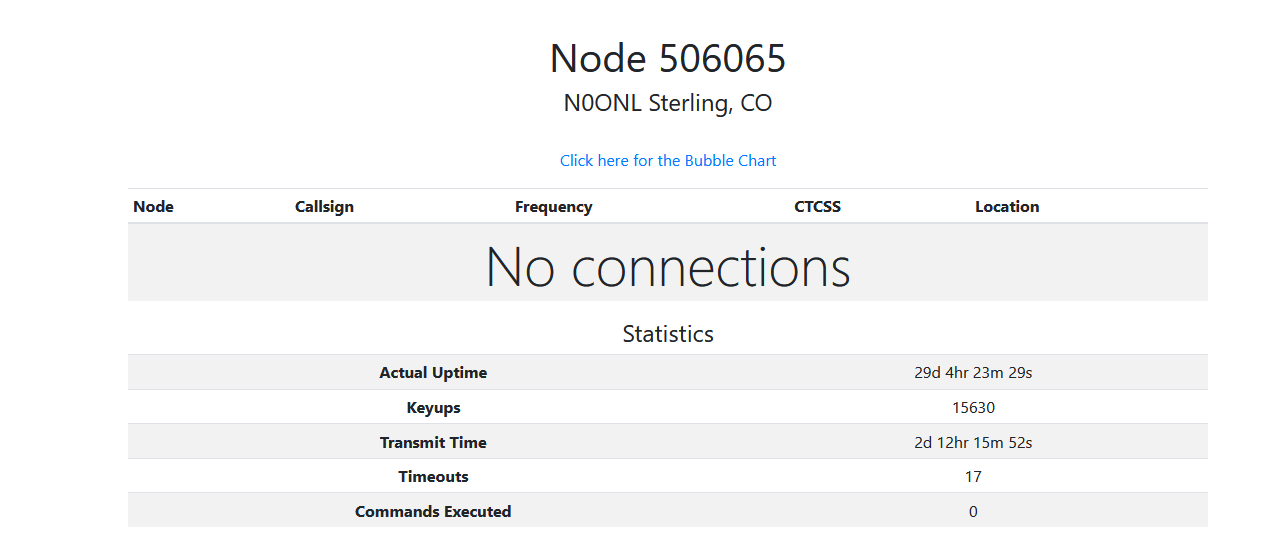
As an example: Node 401961 will NOT connect to our hub. I have verified from that node that it has no connections whatsoever to it.
Here is the rpt nodes output from 401961 (this node is one of our repeaters somewhere, which we want connected to our hub):
************************* CONNECTED NODES *************************

<NONE>
NOW we login to the main hub on 41694.
I run rpt lstats, and see a few nodes connected but 401961 is not on the list.
rpt lstats 41694
NODE      PEER                RECONNECTS  DIRECTION  CONNECT TIME        CONNECT STATE


40197     10.20.2.88        0           IN         04:01:30:420        ESTABLISHED
45835     73.42.11.18       0           IN         18:13:57:972        ESTABLISHED
46079     10.20.20.9        3           OUT        42:37:44:690        ESTABLISHED
271849    10.20.20.5        6           OUT        16:18:16:09         ESTABLISHED
401950    10.21.21.3       1           OUT        42:33:55:750        ESTABLISHED
Now, I try to run rpt nodes 41694 . You can see 401961 is in its list as a “phantom node”
************************* CONNECTED NODES *************************

T40197, T45835, T46079, T271849, T401950, T401961
As you can see, T401961 is at the end of the list, despite it NOT being connected whatsoever. Running a force disconnect: rpt cmd 41694 ilink 11 401961 results in nothing, it still shows the node connected. Reloading the system with a module reload app_rpt.so also does not fix, it. The ONLY way to fix this is a complete restart of asterisk, which is rather problematic for a large hub with many connections.
If anybody has experienced similar with the ASL3 loop protection, i’d love to hear anyone with similar issues. Our tech team would like to try to find the bug and file a report, however, it has proven to be rather difficult with the lack of logging. Even just a “Flush extnodes list” or “temporarily ignore loop protection” command would be a great help so we could still attempt to link up to nodes when this issue occurs.
Thank You!
Skyler W0SKY