This is my first time posting here.
I’ve been using Dell Wyse 3040’s running DVSwitch Server for about a year. I did the Debian 12 install this week. For a fresh install of Debian, I first access the UEFI firmware settings.
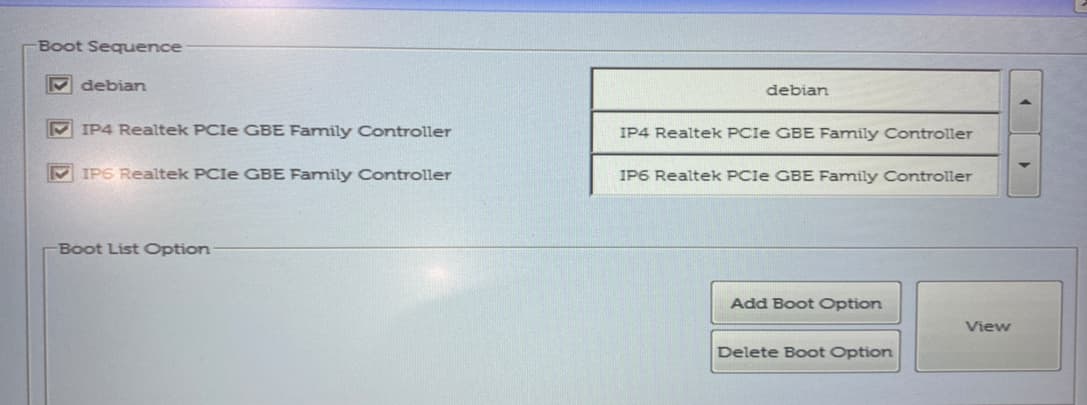
Then into General → Boot Sequence.
Then I click Delete Boot Option for all the options it will let me delete. I then click exit to boot the install media.
The ASL3 with DVSwitch install on Bookworm is easy and it has been working great.