I've been working on YAAMON (Yet Another AllStarLink Monitor) and it's finally ready for some real-world testing. If anyone wants to kick the tires and let me know what breaks (or what you'd like added), check it out: https://github.com/jchonig/allstar-yaamon
Your installation not work
hc1lnm@debian12:~$ wget https://github.com/jchonig/allstar-yaamon/releases/download/v1.0.0/yaamon_1.0.0_linux_amd64.deb
--2026-06-06 06:01:04-- https://github.com/jchonig/allstar-yaamon/releases/download/v1.0.0/yaamon_1.0.0_linux_amd64.deb
Resolving github.com (github.com)... 140.82.113.3
Connecting to github.com (github.com)|140.82.113.3|:443... connected.
HTTP request sent, awaiting response... 404 Not Found
2026-06-06 06:01:05 ERROR 404: Not Found.
The release dir not found in your github place
You are trying to download v1.0.0 which does not exist.
Follow the instructions:
wget https://github.com/jchonig/allstar-yaamon/releases/latest/download/yaamon_linux_arm64.deb
sudo dpkg -i yaamon_linux_arm64.deb
Downloading the deb directly is a bit annoying. Let me see if I can set up a repo that would make it easier and keep it up to date.
I've added deb repos, so the easy way to install and keep it up to date is:
curl -fsSL https://yaamon.n2vlv.net/debian/gpg.key \
  | sudo gpg --no-default-keyring \
      --keyring gnupg-ring:/usr/share/keyrings/yaamon-archive-keyring.gpg \
      --import
sudo chmod 644 /usr/share/keyrings/yaamon-archive-keyring.gpg
echo "deb [signed-by=/usr/share/keyrings/yaamon-archive-keyring.gpg] https://yaamon.n2vlv.net/debian stable main" \
  | sudo tee /etc/apt/sources.list.d/yaamon.list
sudo apt update && sudo apt install yaamon
I've also created a website at https://yaamon.n2vlv.net with the docs nicely formatted.
This resulted in a few release spins around the documentation, there are no functional changes.
Thanks.
Jeff - N2VLV
Will adding the repo instructions keep a YAAMON installation (previously installed via .deb) up to date?
Carl/K6CRS
That is how I did it on my system.
One caveat is that you might break your ASL 3 system if you update everything. So only update yaamon
sudo apt install --only-upgrade yaamon
I ran into an issue with Debian Trixie where it wanted to update to the 6.18 kernel, some of the kernel modules required by Asterisk are not yet supported there. So don't do a bare apt upgrade.
This is incorrect advice. The current app_rpt version does not have any broken kernel dependencies. In fact, the DAHDI kernel module requirement was removed awhile back. The only possible kernel issue is if you try a kernel that doesn't have the old OSS driver built in (e.g. the new Arduino Q boards are an example) but that dependency is about to be killed off as well.
In short, there is no problem at all doing an apt upgrade with a properly installed ASL3 system.
Thanks for the correction!
I saw DAHDI fail to build and assumed it was a requirement.
Jeff,
Perhaps it's right before my eyes, but I'm not finding in your user guide what I type in my browser to open Yaamon. Thank you.
NM, I found it (embarrassed!)
I successfully installed YAAMon, but when I type in http://yourhost:8080/ I'm receving the "This site can’t be reached" page. I have tried both my RPi5 hostname and the IP Address.
I gave YAAMon a test today and have it running on my central Allmon hub server.
My setup has multiple AllStar nodes, and I installed YAAMon side-by-side with my existing Apache / Allmon3 / Supermon / AllScan setup. The install was clean on Debian 12 arm64, and I currently have four nodes connected through AMI. My fifth node is a truck-mounted mobile node, so that one is normally disabled unless the truck is powered.
Initial impression: this is a promising project, especially for anyone who wants a cleaner desktop/tablet/mobile interface for multiple nodes.
The main limitation I ran into is favorites management. For a multi-node installation, it would be very useful to have one centralized/global favorites list that can be shared across all selected nodes, instead of having to import or maintain the same favorites separately for each node.
A few things that would make this especially useful for multi-node users:
- Global/shared favorites list
- Import one AllScan favorites.ini file and apply it to multiple nodes
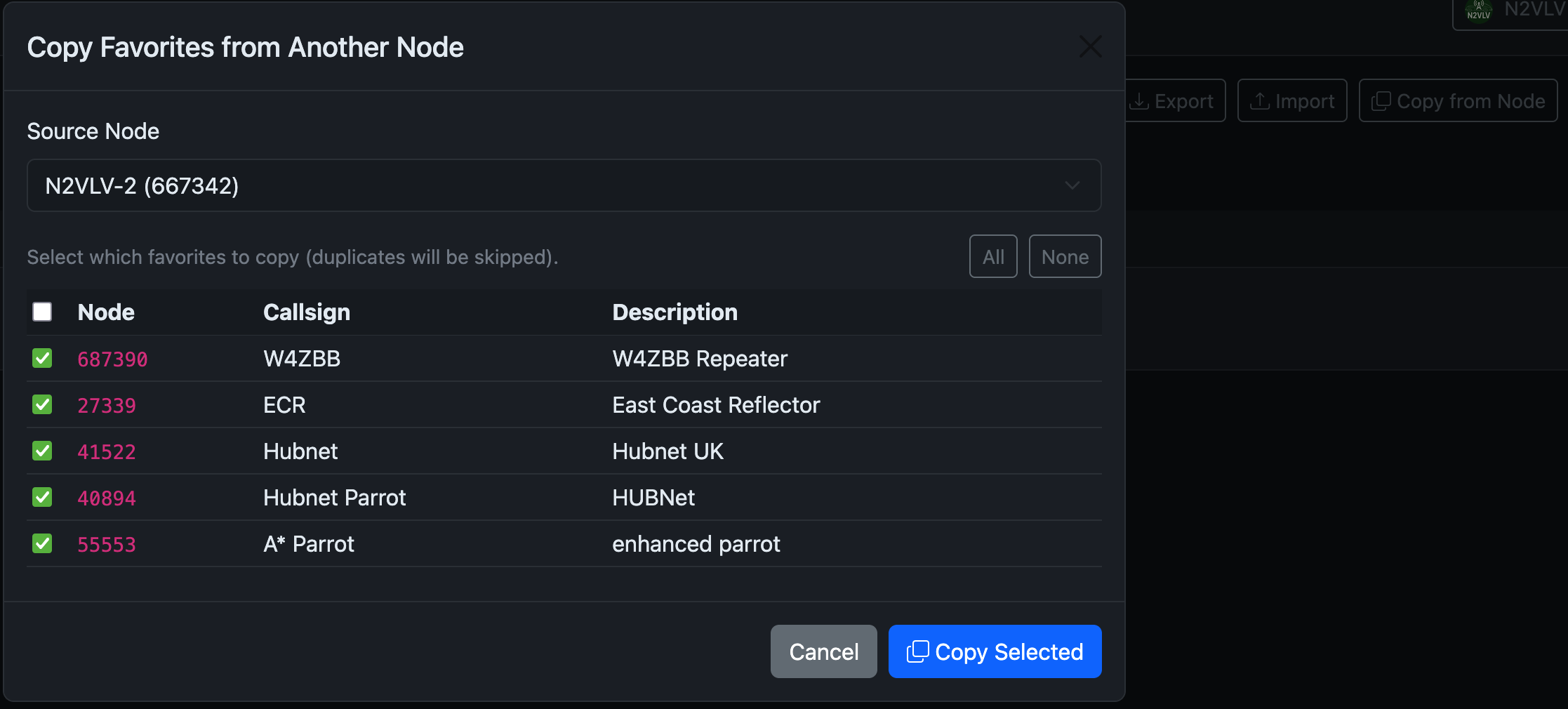
- Copy favorites from one node to another
- Optional node-specific favorites in addition to the shared list
- Better documentation on importing AllScan/Supermon favorites
- Easier handling of mobile/offline nodes that are not always reachable
Overall, I think this has real potential as a modern replacement or supplement for the older PHP/Apache-based dashboards. I am going to keep testing it.
I've set it up but I now have forgotten the admin password. What's the procedure for resetting it?
Any suggestions for my issue?
Can you tell us more about your installation?
Is it an Allstar node? Are you currently running Allmon3? Can you reach that?
You need to use the CLI:
yaamon user passwd admin
Yes, it's an Allstar node running ASL3. Yes, I can reach and use Allmon3 and AllScan without issues.
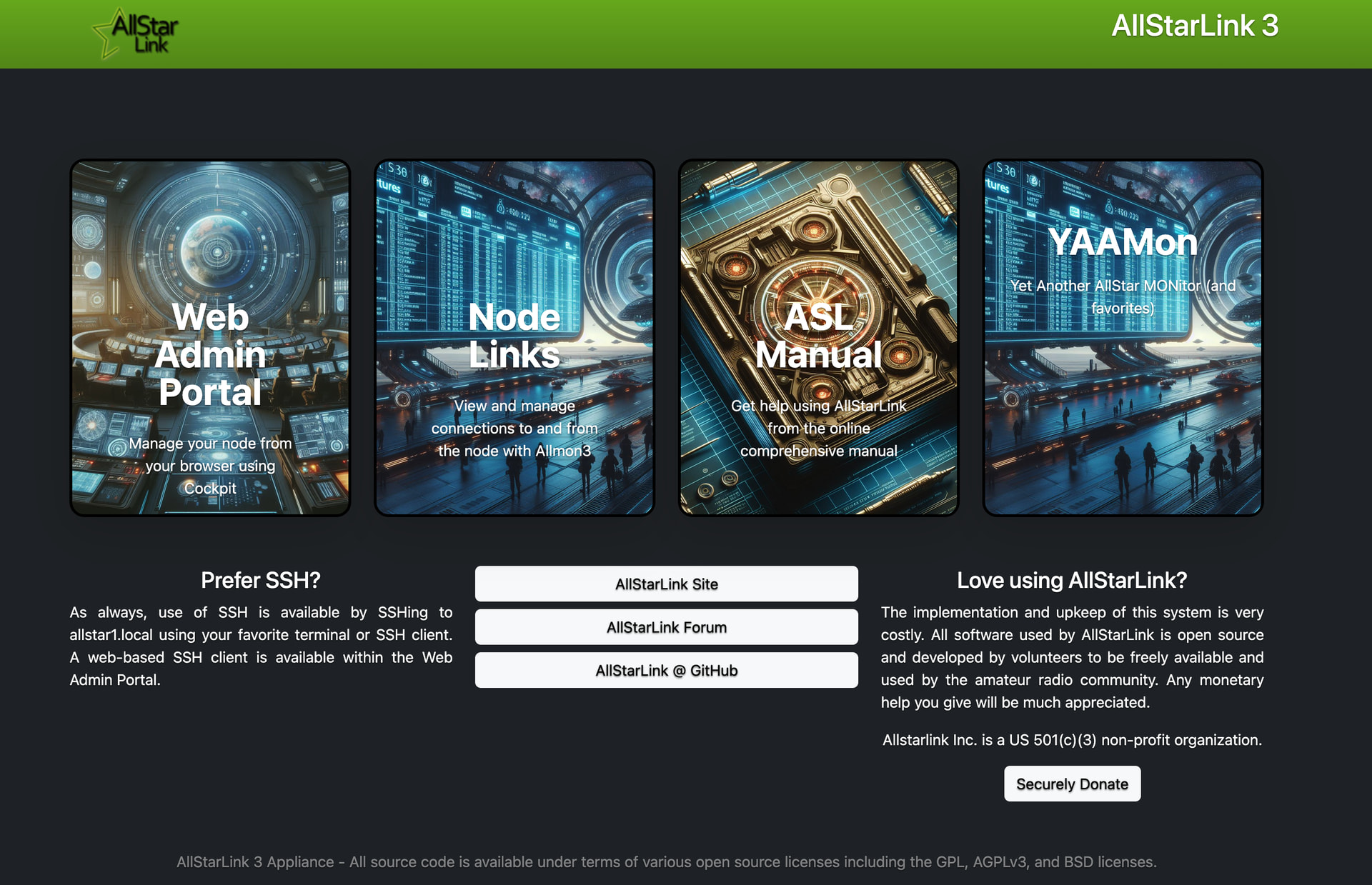
It is supposed to add a tile to the landing page as shown below when it detects that ASL3 is installed. Direct access would be whatever URL you use for allmon3 with yaamon substituted. So if you access allmon3 as http://yourhost/allmon3, it would be at http://yourhouse/yaadmon.
Look to see which Apache configuration is installed. On this node I using the subfolder configuration (i.e. /yaamon).
jch@allstar1:~ $ ls /etc/apache2/conf-enabled/yaa*
/etc/apache2/conf-enabled/yaamon-subfolder.conf