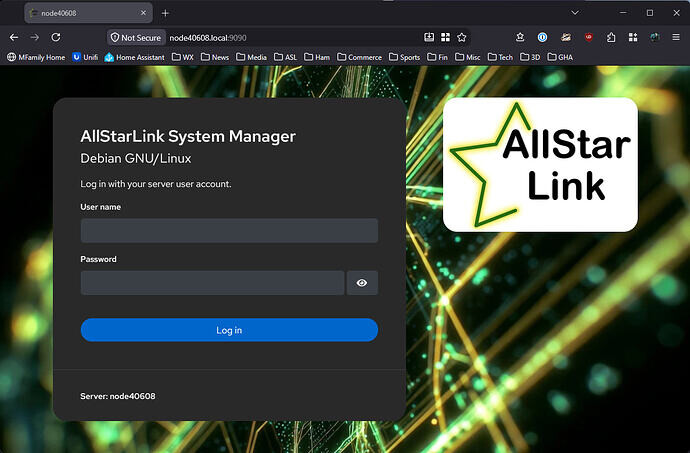
As AllStarLink continues to grow and improve, we are pleased to announce updates and new software packages. The packages asl-appliance (trixie only) and cockpit-wifimanager have new packages in the beta package repository. I am looking for people to really kick the tires on this one. These changes, combined, implement a better WiFi setup experience and the introduction of a "fallback" automatic access point for node configuration. The changes are as follows:
asl3-appliance v2.2.0-1
Whenever an appliance image come up with no active network interfaces - wired or wireless - after 2 minutes fallback-ap.timer service will launch the fallback-ap.service. This services creates a NetworkManager-managed local access point on the first detected wireless interface. It will have the following characteristics:
- SSID will be AllStarLink_$(MAC) where
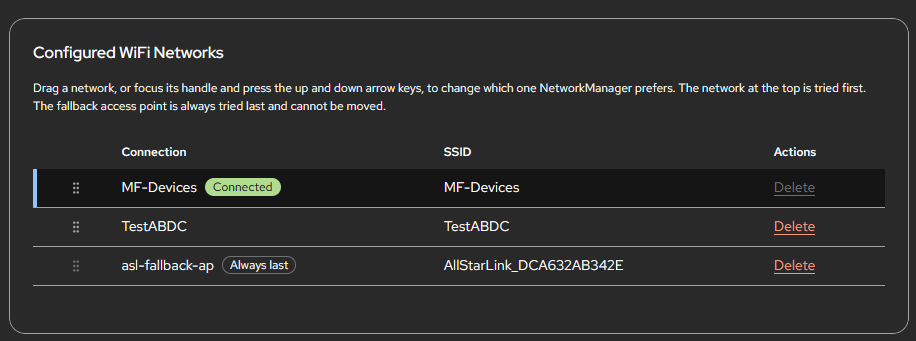
$(MAC)is the MAC address of the wireless adapter. For exampleAllStarLink_DCA632AB342E - The SSID password is "allstarlink"
- IP range is 192.168.187.64/29
When a client connects to the AP, depending on the type of client and its configuration, you will be prompted to open the "logon portal" or the "you must login to use this connection" portal. This will actually redirect the user to the main web menu of the appliance. From there, clicking on Web Admin will take you to Cockpit to setup a wireless network. The appliance must be restarted (or the network.service restarted from the CLI) to connect to the new network.
cockpit-wifimanager 2.0
This has undergone a major overhaul with the following major changes:
- Complete UI overhaul to match the core cockpit theming
- Dark mode properly supported
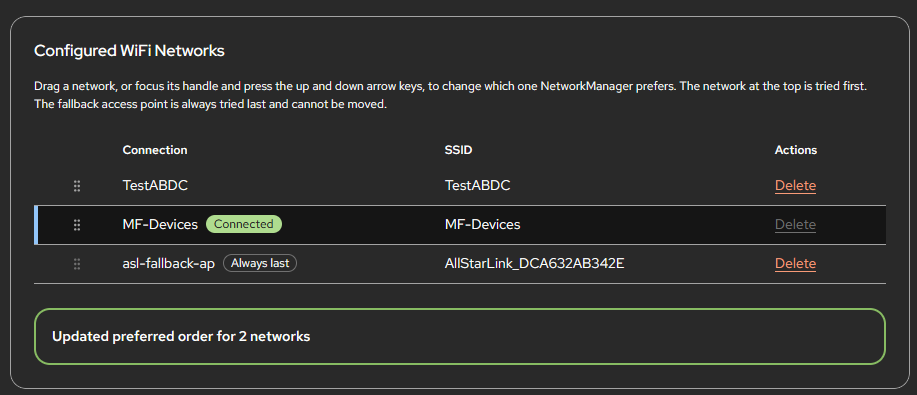
- WiFi lists are now drag-to-order/prioritize
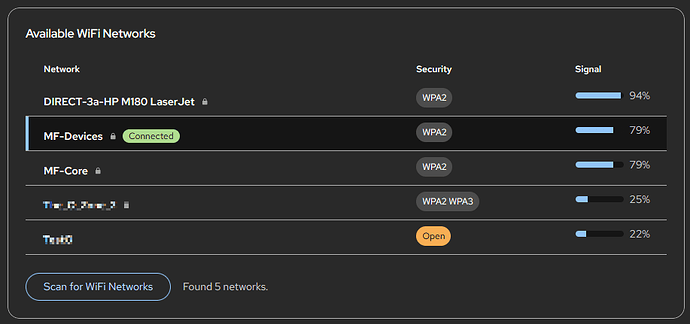
- Click on scan fills in the add box for ease of setup
The manual is not yet updated with this feature.