I am receiving this message at the end of the installation of my Announcement - Manager piper installation on my Debian 13 ASL3....
==> 15. Testing Piper installation
announcement_manager.sh: line 448: /opt/piper/bin/piper/piper: cannot execute binary file: Exec format error.
this would have been installed already with supermon. If you do not have supermon installed and decide to install it after you have installed announcement manager, you will need to rerun the announcement manager install script, to update the supermon file. don’t worry, you will not lose any announcements that you have already created.
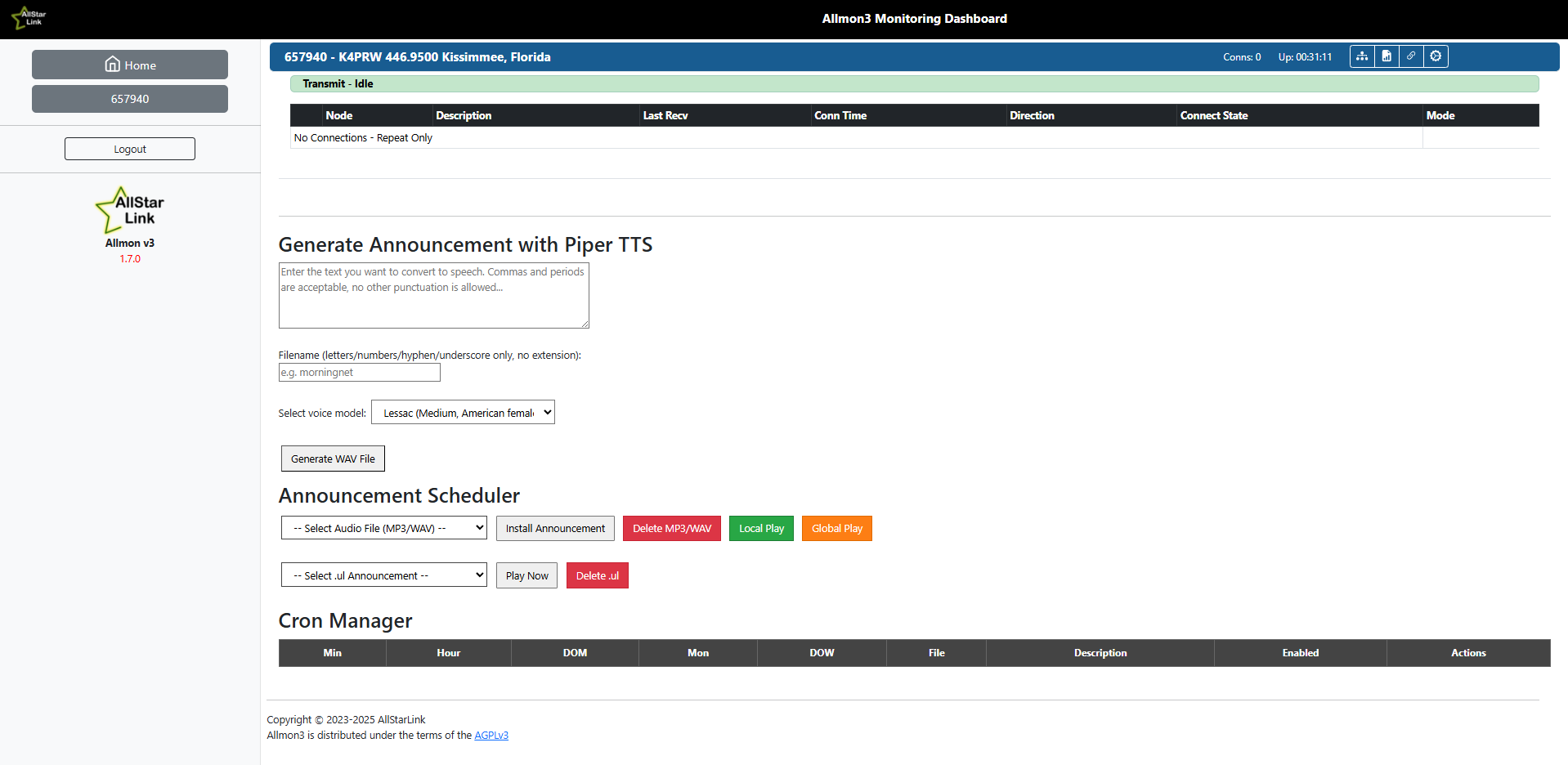
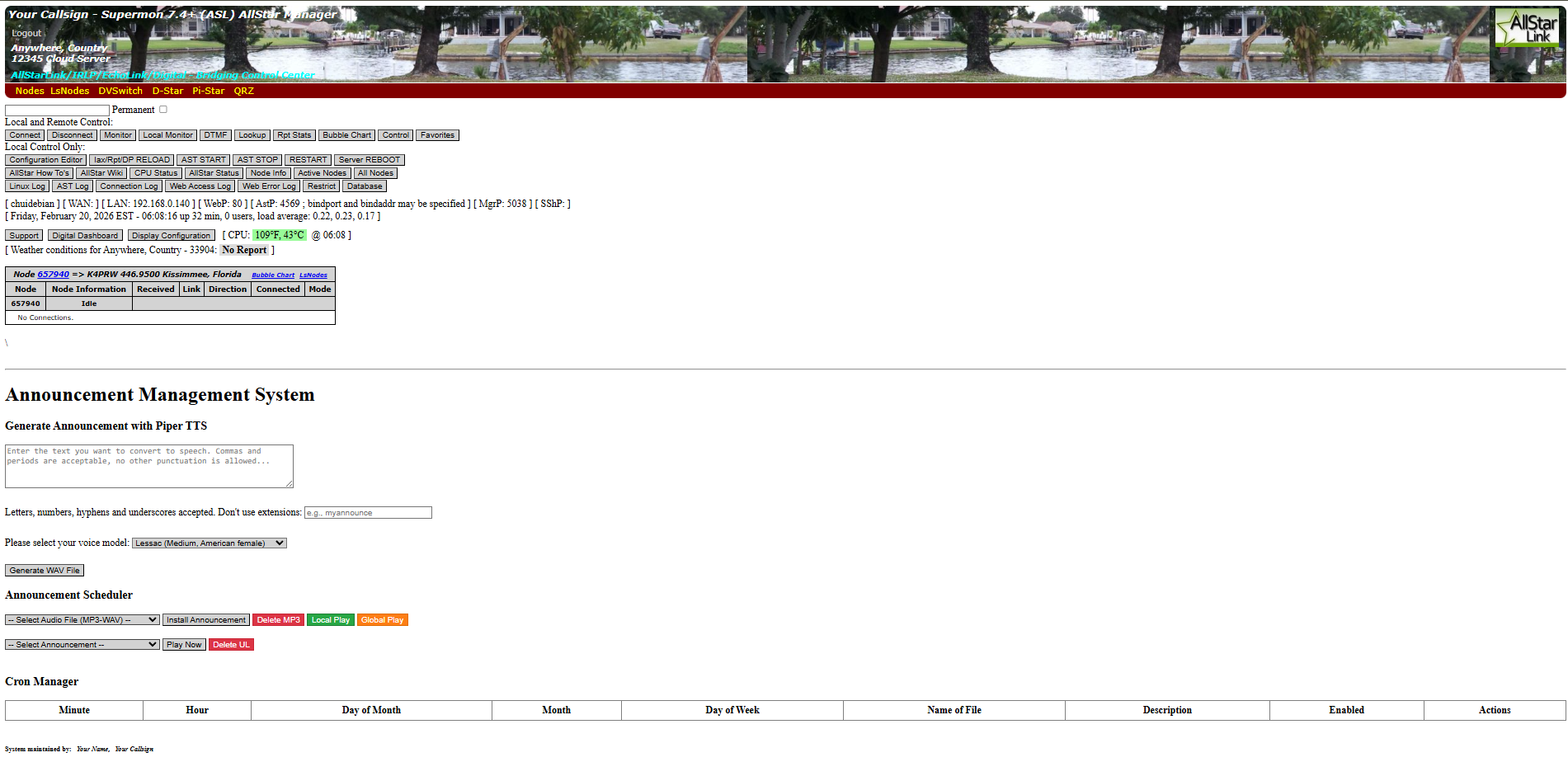
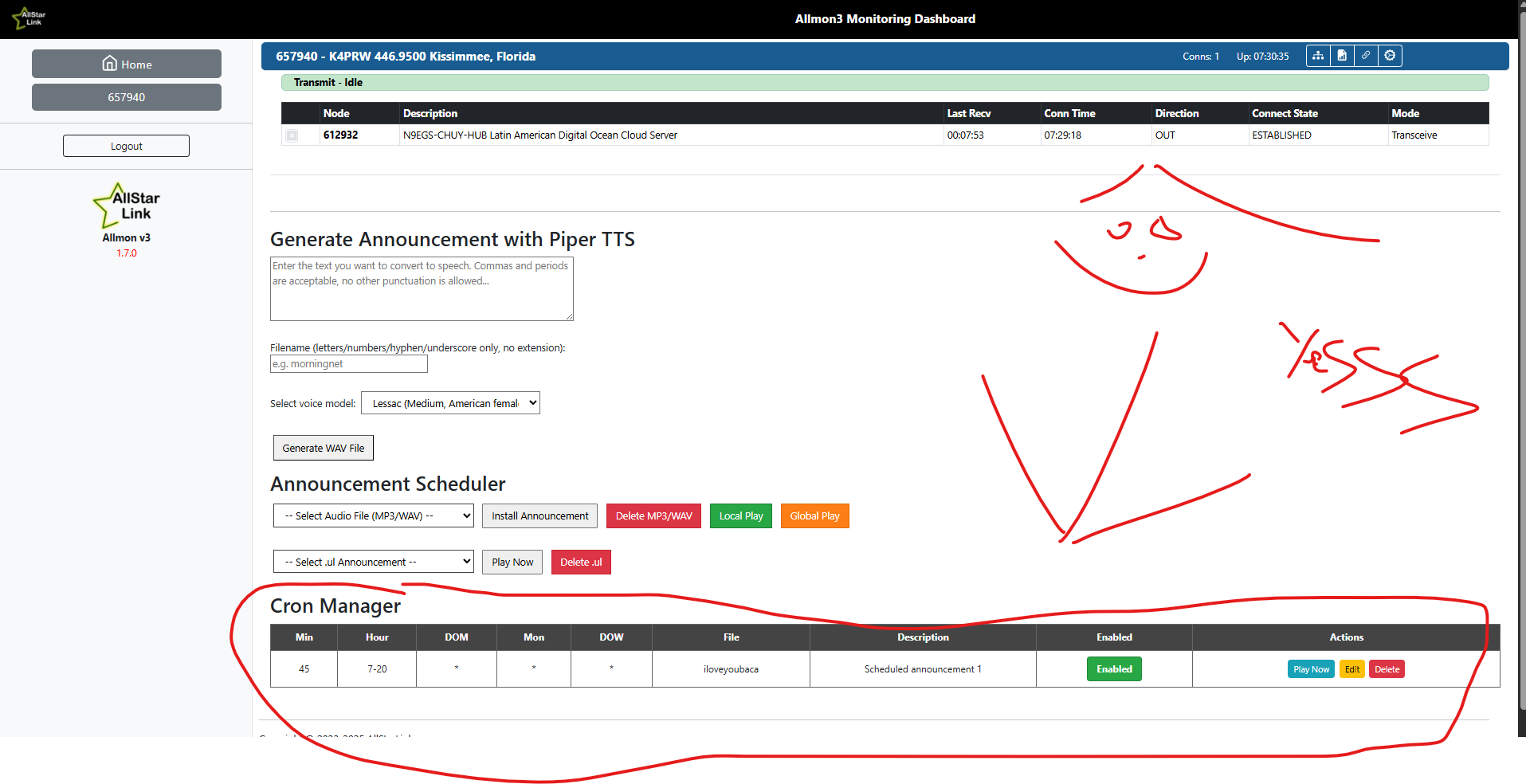
Yes I do. This is how it looks right now on both, the supermon monitoring dashborad and the allmon3 monitoring dashboard (Check screenshots). Once I generate the announcement with Piper TTS it shows a green message with a recorded path with the name I gave but it is not showing anything at the SELECT AUDIO FILE MP3/WAV part. This is because the installation was not successful stopping at the 15 step wih that exec format error at the end. Freddy was making all of this using a script that was made for cloud service using a server to download and move his audio files. I am not. I am using my thinWyse 5070 in my home with no cloud service to connect my node. My friend I am stuck right there with the script because I know I can fork and copy the script and make any modification on github but I have no idea where to make that change. Any help will be appreciated.
Looking forward to your feedback. God bless you.
ok. I have not tested this on a thinclient, I have one, I will work on that. I built this for a pi. I do not know if the piper package is suitable for that platform. the install was successful, it shows up. Running it is MOSTLY successful. the issue is with the piper generating the conversion files. I will research and see what I can do about that.
update. it appears you may need a different version of piper for the x86 platform. i can update the script and if you want to test it let me know
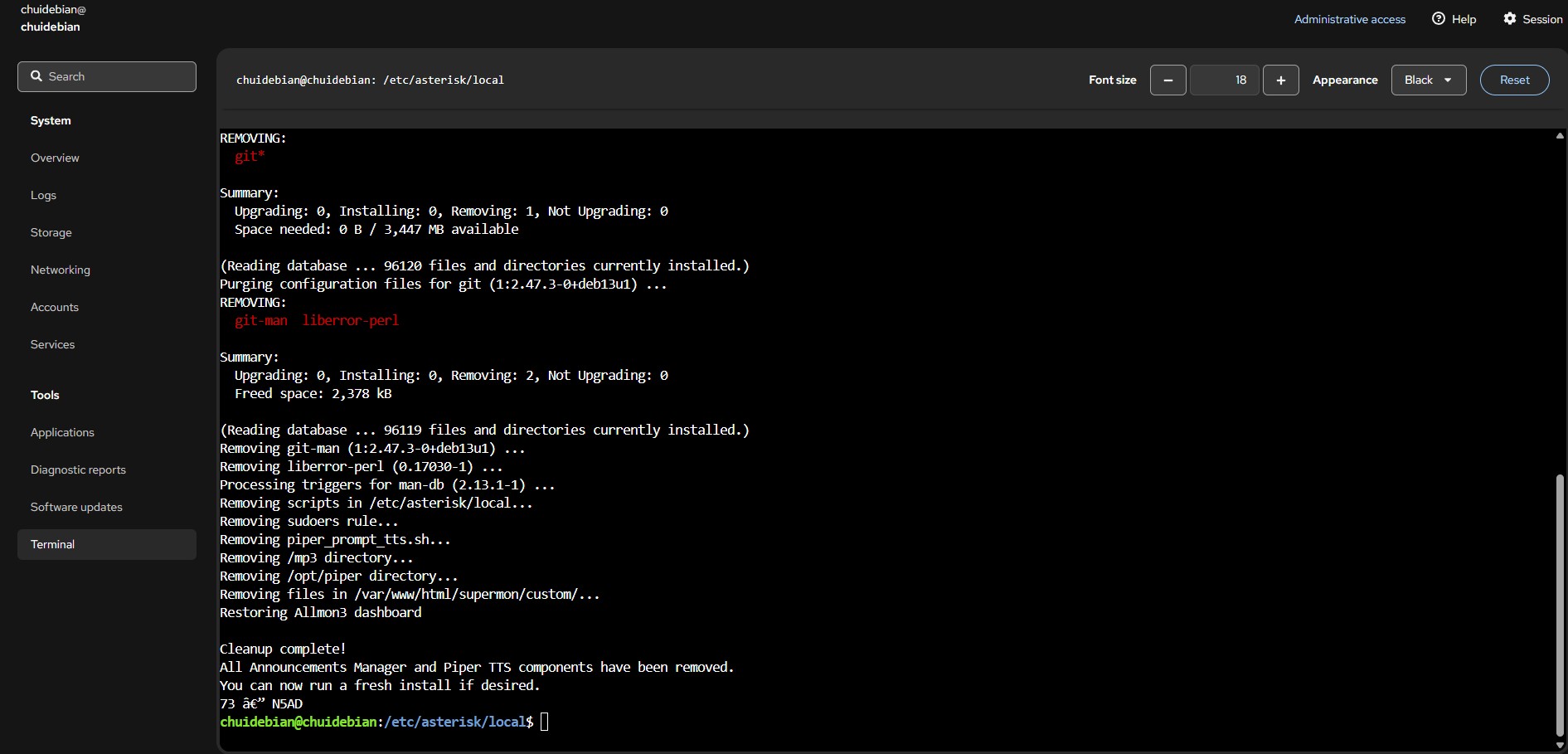
the installer has been updated to install the correct piper tts engine for your hardware architecture.
it will work on rpi and dell wyse thin clients now.
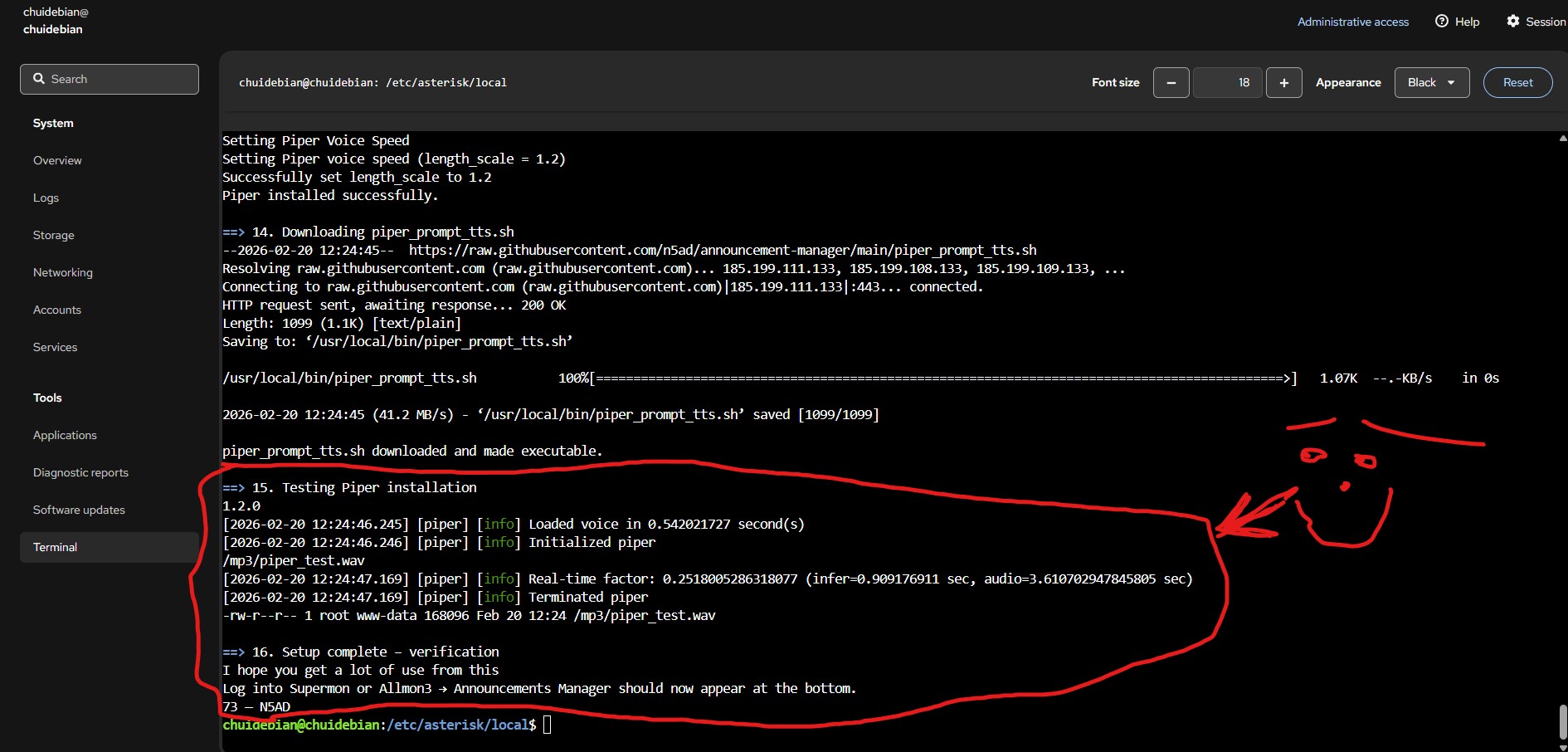
Problem Solved my friend. Thanks for working with me on the on the new script for x86 platform. It is working perfect. Check the screenshot. Thanks a lot. Let Freddy know about this so he can make a new video with the new script for this platform. Awsome. Glad to help. God bless you.